
Revise at school or at home
Cambridge National Creative iMedia revision
Revise Creative iMedia in the Media Industry and Visual Identity & Digital Graphics with narrated lessons, self-marking quizzes and activities, written to the OCR specification by an experienced teacher and textbook author.
- Free sample lessons
- Follows the OCR specification
Creative iMedia units
Lessons follow the OCR specification topic by topic, each with a quiz, and the first lessons of each unit are free to try.
Externally assessed
R093: Creative iMedia in the Media Industry revision
The media industry, factors influencing product design, pre-production planning and distribution considerations, ready for the R093 exam.
What it covers
- Topic Area 1 The media industry
- Topic Area 2 Factors influencing product design
- Topic Area 3 Pre-production planning
- Topic Area 4 Distribution considerations
Topics
- Media Industry Sectors & Products Free
- Job Roles in the Media Industry
- How Style, Content & Layout are Linked to Purpose
- Client Requirements & How They’re Defined
- Audience Demographics & Segmentation
- Research Methods, Sources & Types of Data
- Media Codes Used to Convey Meaning, Create Impact and/or Engage Audiences
- Work Planning
- Documents Used to Support Ideas Generation
- Documents Used to Design & Plan Media Products
- The Legal Issues that Affect Media
- Distribution Platforms & Media
- Properties & Formats of Media Files
Internally assessed
R094: Visual Identity & Digital Graphics revision
Developing a visual identity, planning digital graphics for products, and creating a visual identity and digital graphics.
What it covers
- Topic Area 1 Develop visual identity
- Topic Area 2 Plan digital graphics for products
- Topic Area 3 Create visual identity & digital graphics
Topics
- Purpose, Elements & Design Free
- Graphic Design & Conventions
- Properties of Digital Graphics & Use of Assets
- Techniques to Plan Visual Identity & Digital Graphics
- Tools & Techniques of Image Editing Software
- Technical Skills to Source, Create & Prepare Assets
- Techniques to Save & Export Visual Identity & Digital Graphics
Built to help it stick
Reading notes again is not the same as remembering them. Every topic is a short lesson you can listen to, followed by a quiz that shows what you know.
Lessons that read to you
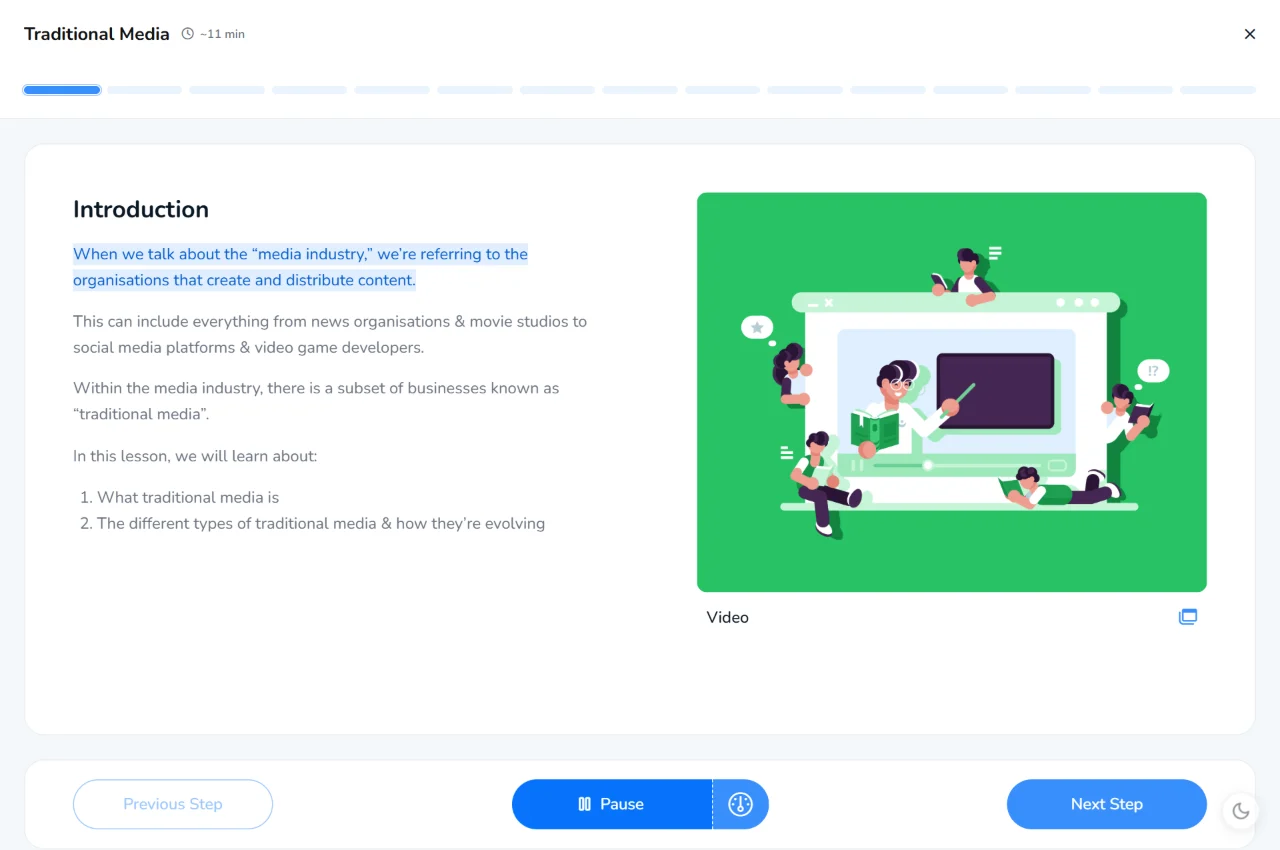
Every lesson is narrated, with each line highlighted as it is read. Great for revision, and for anyone who finds long pages of text hard going.
Quizzes that mark themselves
A quiz after every lesson, marked instantly, so you can see straight away what needs another look.
Practice that sticks
Short, regular quizzes and activities spread over time help knowledge move into long-term memory, ready for the exam.
See what to revise next
Track your progress through each unit, earn XP and badges, and spot the topics that need more work.
Getting full access
The first lessons of each unit are free. Full access comes with a school membership or the Student Subscription.
Studying at school?
Many schools already use KnowItAll Ninja. If yours does, your teacher can give you a class code to join, and the units your school has chosen open up.
For parents and guardians
The Student Subscription gives your child every course on KnowItAll Ninja, including the Creative iMedia units above.
£3.33 a month, billed yearly, or £8.99 monthly
Teaching Creative iMedia?
School memberships add homework tasks and a tracker that shows how every student is doing, with a free trial for teachers.
Creative iMedia revision questions
Is KnowItAll Ninja free?
The first lessons of each unit are free to try, with no account needed. Full access comes with a school membership or the Student Subscription.
Does it follow the OCR specification?
Yes. The lessons and quizzes are written to the OCR specification for the OCR Cambridge National in Creative iMedia (J834), by an experienced teacher and textbook author.
Can I use it on my phone?
Yes. Lessons, quizzes and activities work in any up-to-date browser on a phone, tablet or computer, and every lesson can be read aloud.
My school already uses KnowItAll Ninja. Do I need anything else?
No. Join your class with the code from your teacher. A Student Subscription only adds courses your school hasn’t chosen.