
Revise at school or at home
BTEC Level 3 Computing revision
Revise Principles of Computer Science and Fundamentals of Computer Systems with narrated lessons, self-marking quizzes and activities, written to the Pearson specification by an experienced teacher and textbook author.
- Free sample lessons
- Follows the Pearson specification
Taking the newer BTEC Level 3 Computing (AAQ)? See BTEC Level 3 Computing (AAQ) revision.
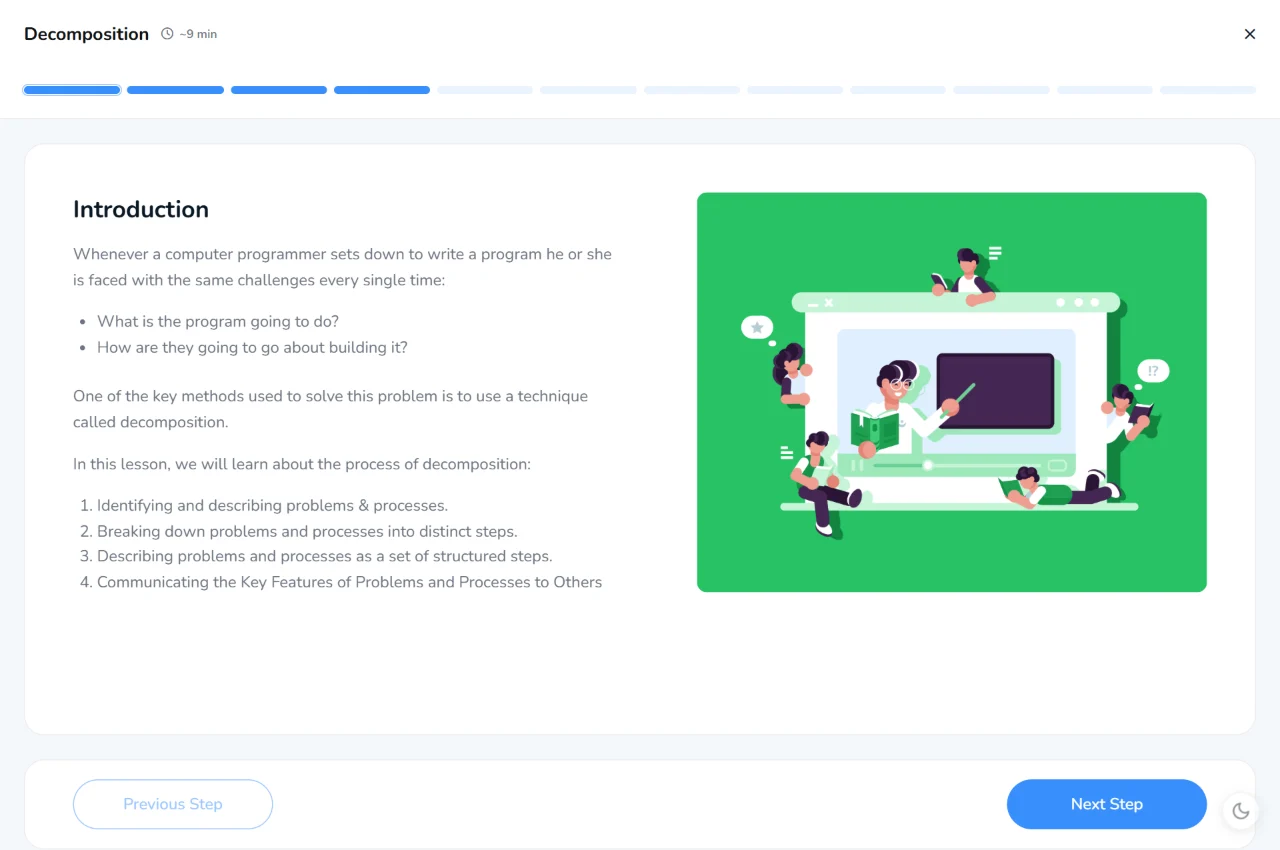
BTEC Level 3 Computing units
Lessons follow the Pearson specification topic by topic, each with a quiz, and the first lessons of each unit are free to try.
Externally assessed
Unit 1: Principles of Computer Science revision
Computational thinking, standard methods and techniques for developing algorithms, programming paradigms, and types of programming and mark-up languages.
What it covers
- Learning Aim A Computational thinking
- Learning Aim B Standard methods & techniques used to develop algorithms
- Learning Aim C Programming paradigms
- Learning Aim D Types of programming & mark-up languages
Topics
- Computational Thinking Free
- Structured English & Flowcharts
- Handling Data within a Program
- Built-In Functions
- Validating Data
- Control Structures
- Data Structures
- Standard Algorithms – Data Structures
- Standard Algorithms – Sorting
- Standard Algorithms – Searching
- Types of Programming Languages
- Coding for the Web
- Translation
Externally assessed
Unit 2: Fundamentals of Computer Systems revision
Hardware and software, computer architecture, how data is represented, organised and transmitted, and the use of logic and data flow in computer systems.
What it covers
- Learning Aim A Hardware & software
- Learning Aim B Computer architecture
- Learning Aim C How data is represented by computer systems
- Learning Aim D How data is organised on computer systems
- Learning Aim E How data is transmitted by computer systems
- Learning Aim F The use of logic and data flow in computer systems
Topics
- Computer Hardware Free
- Computer Software
- Data Processing
- Approaches to Computer Architecture
- Concepts of Microarchitecture
- Registers & Register Handling
- Number Systems
- Text & Image Representation
- How Data is Organised
- Transmitting Data
- Error Detection & Correction
- Boolean Logic
- Flowcharts & System Diagrams
Built to help it stick
Reading notes again is not the same as remembering them. Every topic is a short lesson you can listen to, followed by a quiz that shows what you know.
Lessons that read to you
Every lesson is narrated, with each line highlighted as it is read. Great for revision, and for anyone who finds long pages of text hard going.
Quizzes that mark themselves
A quiz after every lesson, marked instantly, so you can see straight away what needs another look.
Practice that sticks
Short, regular quizzes and activities spread over time help knowledge move into long-term memory, ready for the exam.
See what to revise next
Track your progress through each unit, earn XP and badges, and spot the topics that need more work.
Getting full access
The first lessons of each unit are free. Full access comes with a school membership or the Student Subscription.
Studying at school?
Many schools already use KnowItAll Ninja. If yours does, your teacher can give you a class code to join, and the units your school has chosen open up.
For parents and guardians
The Student Subscription gives your child every course on KnowItAll Ninja, including the BTEC Level 3 Computing units above.
£3.33 a month, billed yearly, or £8.99 monthly
Teaching BTEC Level 3 Computing?
School memberships add homework tasks and a tracker that shows how every student is doing, with a free trial for teachers.
BTEC Level 3 Computing revision questions
Is KnowItAll Ninja free?
The first lessons of each unit are free to try, with no account needed. Full access comes with a school membership or the Student Subscription.
Does it follow the Pearson specification?
Yes. The lessons and quizzes are written to the Pearson specification for the Pearson BTEC Level 3 National in Computing (2016 specification), by an experienced teacher and textbook author.
Can I use it on my phone?
Yes. Lessons, quizzes and activities work in any up-to-date browser on a phone, tablet or computer, and every lesson can be read aloud.
My school already uses KnowItAll Ninja. Do I need anything else?
No. Join your class with the code from your teacher. A Student Subscription only adds courses your school hasn’t chosen.